How to Choose the Right Smart Lock for Your Sports Facility
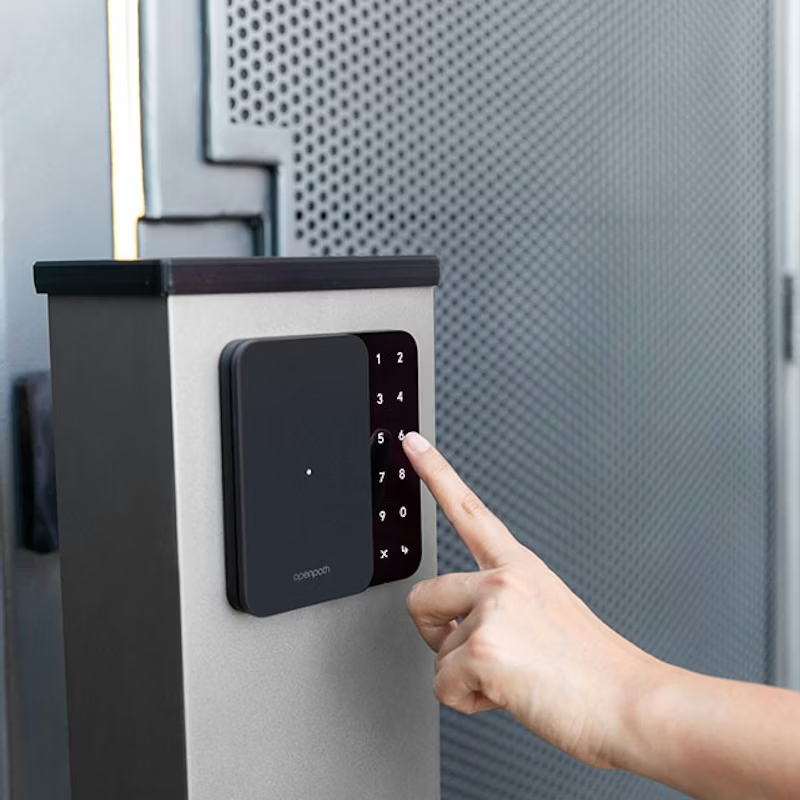
If you run a court facility (pickleball, tennis, badminton, or any other racket sport), you’ve probably thought about automating your door access. Maybe you’re tired of handing out keys, coordinating staff schedules around opening hours, or fielding calls from customers locked out of the building.
Smart locks solve all of that. A customer books a court, gets a PIN code, and lets themselves in—no staff needed. The lock knows when their session starts and ends, and the code stops working automatically when their booking is over.
This setup is commonly called access control, the standard term you’ll see for systems like this.
But the hard part isn’t deciding whether to automate your doors. It’s figuring out which type of smart lock you actually need.
The answer depends on your doors, your building, and your budget. This guide breaks down the two main categories of smart locks used at sports facilities and helps you choose between three of the most common systems: Kisi, Avigilon Alta (formerly Openpath), and Igloohome.
Two types of smart locks for facilities
Before you start comparing brands, you need to understand which category of smart lock fits your venue. There are two, and they serve very different situations.
1. Smart deadbolt locks
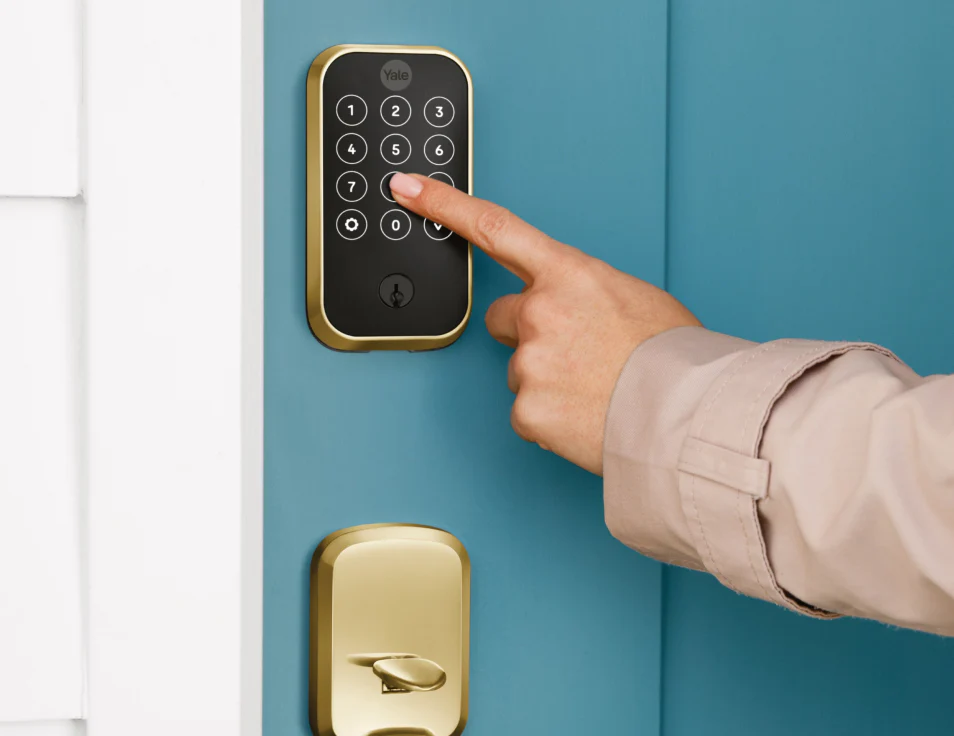
These are residential-style smart locks, the kind you'd install on a standard timber or home-style door. If your facility has wooden doors with standard frames, a smart deadbolt is the simplest and cheapest way to add access control to your venue.
Good fit for small clubs or studios with standard wooden doors, facilities in converted residential or retail spaces, venues where a single entrance is all you need to control, and operators who want the fastest, lowest-cost path to automated access.
A smart deadbolt replaces your existing deadbolt. Customers enter a PIN on the keypad to unlock the door. The lock connects to the internet via Wi-Fi or a small gateway device, which lets your booking platform generate and expire access codes automatically.
Any local locksmith can handle the installation, no specialized contractor needed. The hardware typically costs a few hundred dollars, plus installation labor, plus around $4/month for the cloud platform that manages the codes.
Smart deadbolts are a good starting point if your facility has simple doors and you want to get up and running fast.
2. Commercial-grade access control (electric strike / magnetic lock)
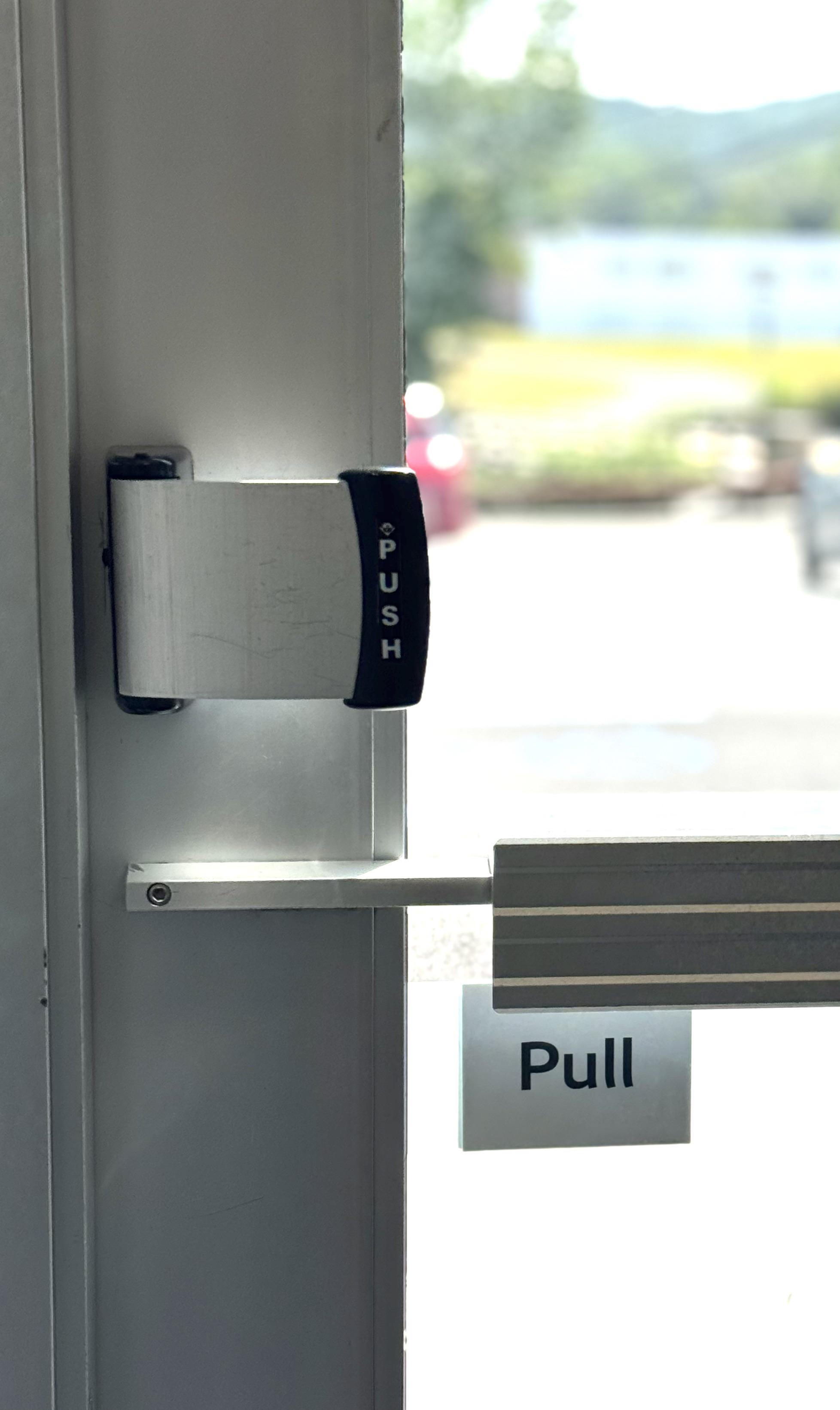
If your facility has aluminum-framed doors, metal doors, glass storefronts, or sits inside a commercial building, you'll need commercial-grade access control. This is standard for any venue with higher foot traffic or non-standard door frames where a residential deadbolt won't physically fit or meet building codes.
Instead of replacing the lock itself, commercial systems use an electric strike or magnetic lock mechanism mounted in the door frame. A keypad or card reader goes next to the door. When a valid code is entered, the system releases the strike or magnet, and the door opens.
A note on fire code: many cities have strict rules around locks in commercial buildings. Electric strike systems are designed with this in mind. During a fire or power failure, the lock automatically unlocks. This is a safety requirement, not a feature. If your venue is in a commercial building, this isn't optional.
Installation requires a access control installer or commercial locksmith. It's more involved than a deadbolt swap: wiring, mounting the strike or magnet, and setting up the keypad and gateway.
Comparing Kisi, Avigilon, and Igloohome
Once you know you need commercial-grade access control, the next question is which system to go with. The three most widely supported options for sports facilities are below.
Kisi
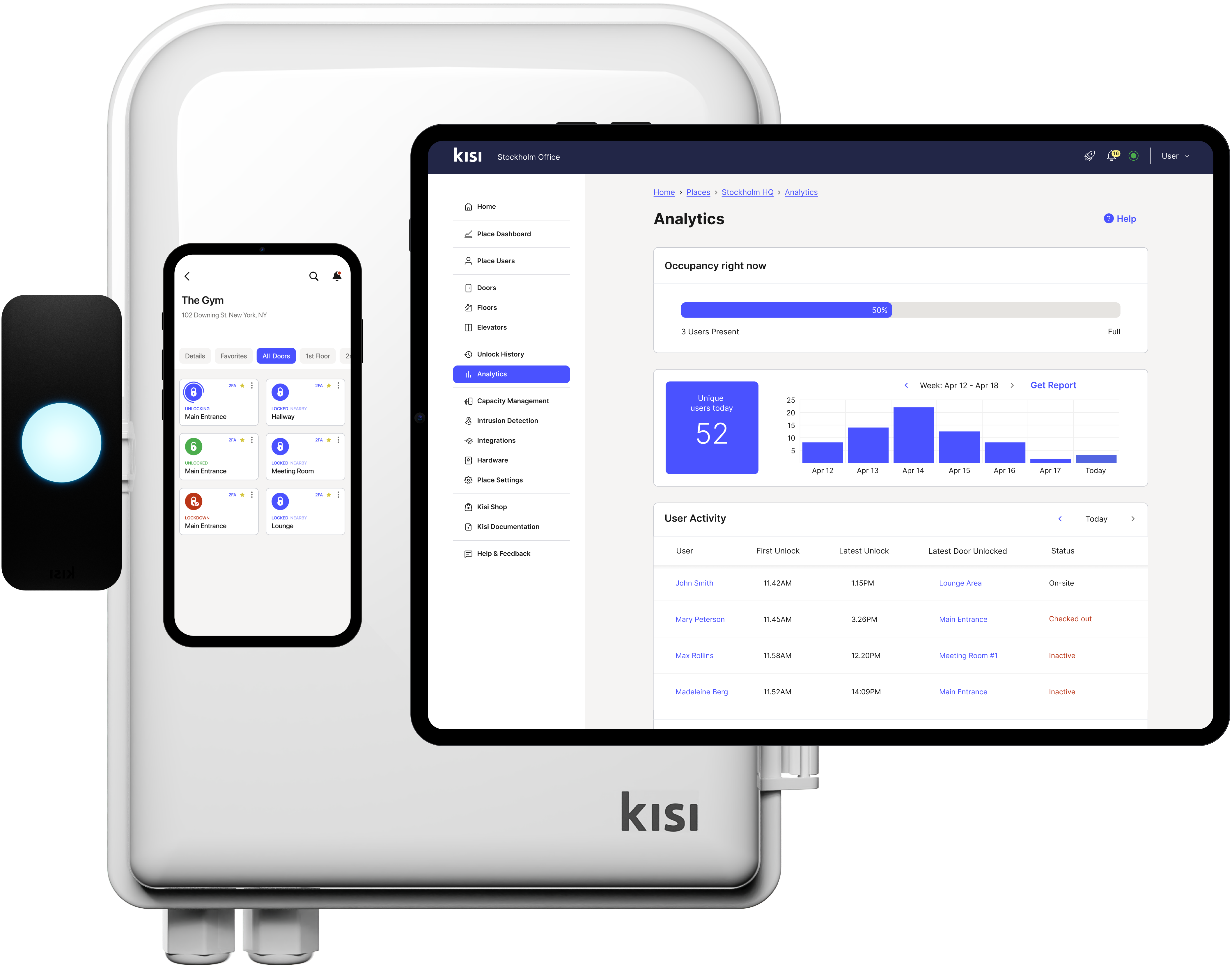
Kisi is one of the more established cloud-based access control platforms. It’s widely used in offices, coworking spaces, and increasingly in sports and recreation facilities. The software is polished, and the platform has a large global install base.
Pros:
- Operates globally, making it accessible in most regions
- Modern, intuitive cloud dashboard that’s easy to use
- Open API, allowing developers to integrate it with booking systems and other software
- High-quality hardware, with features like QR code access on some models
- Strong multi-door and multi-location management
Cons:
- Installation can be less hands-on outside the U.S. hardware is typically shipped to you, and you’ll need to work with a local installer (either sourced yourself or recommended by Kisi)
- Higher cost than most alternatives, with monthly fees starting around $150 USD, plus hardware and installation
Avigilon (Openpath)
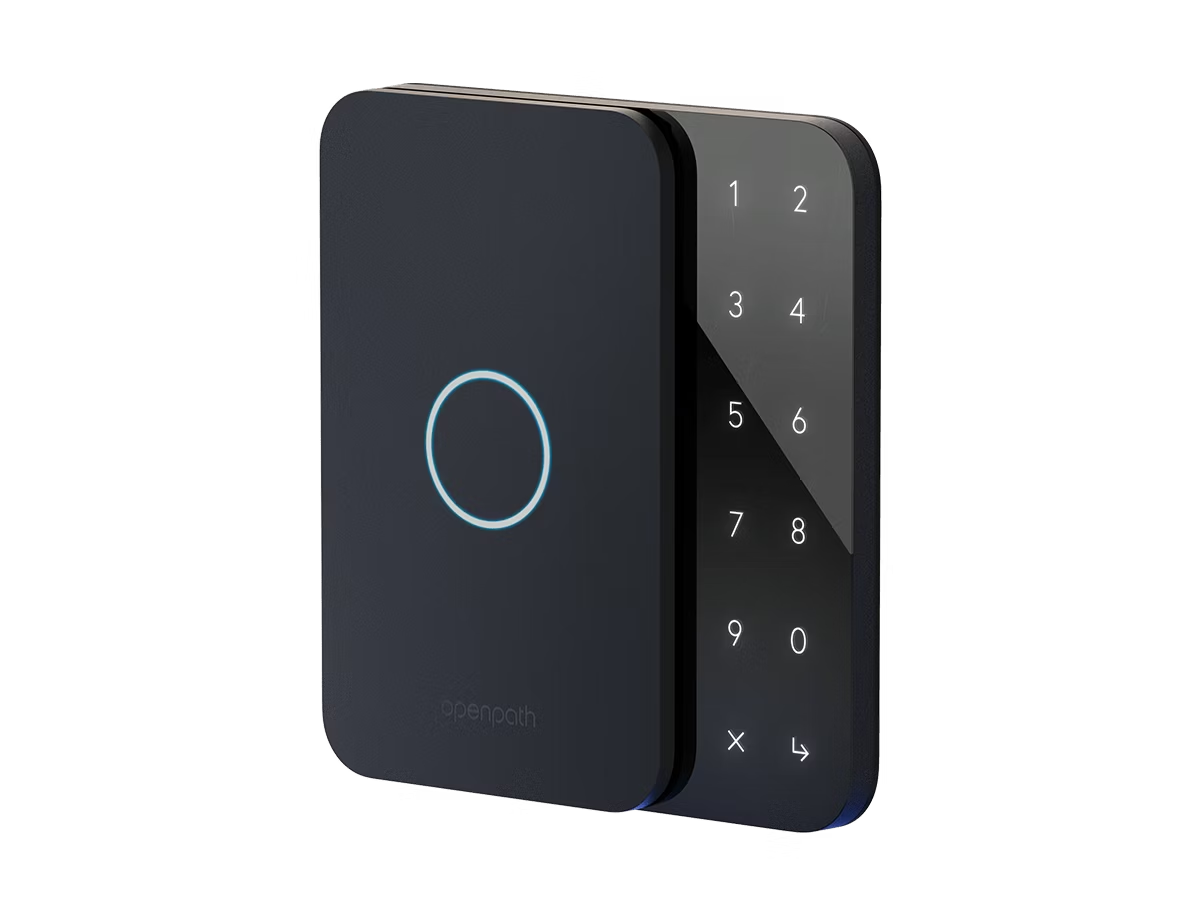
Avigilon Alta (formerly Openpath, now part of Motorola Solutions)
Avigilon Alta is a cloud-based access control system built for commercial buildings.
Pros:
- Backed by Motorola Solutions, with hardware designed for high-security environments and a reliable supply chain
- Supports API integrations, making it easy to connect with booking platforms for automated code generation and expiration
- Lower ongoing software costs compared to Kisi (typically around $300/year), though billed upfront in multi-year contracts
- Strong fit for commercial-grade installations and larger facilities
Cons:
- Higher upfront cost for hardware and installation ($5,000–$7,000 for a single-door setup)
- Requires a multi-year contract for lower cloud pricing
- Support and response times can be slower compared to some competitors
Igloohome
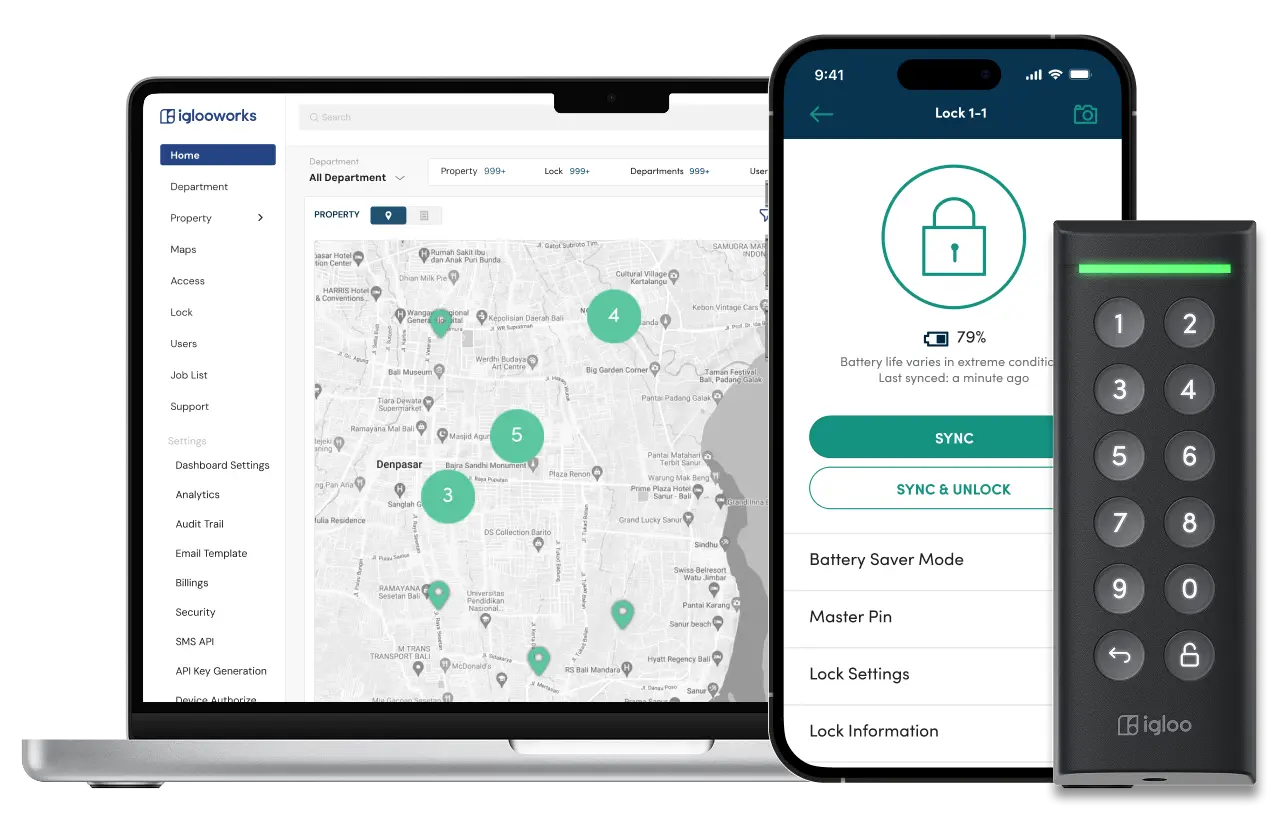
Igloohome takes a different approach. It offers both residential and commercial-grade access control, aimed at operators who don’t want to spend enterprise-level money on a single door.
Pros:
- Significantly lower cost, with commercial setups around $2,000 installed
- Lower ongoing fees (typically around $120 USD per year)
- Easier and faster to install and configure compared to enterprise systems
- Reliable hardware designed for simple, practical use cases
- Supports API integrations for connecting with booking platforms
- Offline functionality via Bluetooth and time-based PIN codes (useful if Wi-Fi is unreliable)
Cons:
- Simpler admin dashboard compared to Kisi or Avigilon
- Limited access logs and reporting
- Not ideal for multi-site or more complex facility management
Quick comparison
| Kisi | Avigilon | Igloohome | |
|---|---|---|---|
| Multi-door, enterprise-grade facilities | High-security venues, existing Avigilon camera setups | Cost-conscious operators, single-entrance facilities | |
| Typical cost (Including Installation labour) | ~$7,000 | ~$7,000 USD | ~$2,000 |
| Monthly fees | $200 USD | ~200/year. Paid in 3 year contracts upfront | $100 USD / year |
| Keypad PIN entry | Yes | Yes | Yes |
| Offline capability | Limited | Limited | Strong (algoPIN) |
| Global availability | Yes | Yes | Yes |
| Setup complexity | Moderate | Moderate–High | Low–Moderate |
| Fire code compliant | Yes | Yes | Yes |
What we recommend for sports facilities
For most court facilities (pickleball, tennis, badminton), here's how we'd think about it:
If you have standard wooden doors and a simple layout: Start with a smart deadbolt. It's the fastest and cheapest way to offer automated access, and you can always upgrade later. Those would be Yale, or schlage locks.
If you need commercial-grade access and budget is a concern: Igloohome is hard to beat at roughly $2,000 installed. It does everything a sports facility needs: keypad PINs, automated code management, reliable hardware, without paying for enterprise overhead.
**If you have a larger facility, multiple entrances, or high security requirements: **Kisi or Avigilon are the right choice. The higher cost gets you a more capable platform with better multi-door management, detailed access logs, and a wider range of hardware options.
If you already have Avigilon cameras: Go with Avigilon Alta for access control too. The native integration between their camera and access systems is a real advantage.
Regardless of which system you choose, make sure it supports keypad entry. For sports venues, a simple PIN code is the most practical method. Customers get the code when they book, punch it in when they arrive, and the code expires when their session ends. No apps required, no cards to carry.
One more thing: you'll need a Wi-Fi gateway
All smart lock systems, both deadbolts and commercial-grade, require an internet connection to receive and manage access codes remotely. You'll need a small Wi-Fi gateway device near the lock: a powered box (usually plugged into a nearby outlet) that keeps the lock connected to the cloud.
The gateway is typically sold by the same company you buy the lock from.
Getting started
If you're running a court facility and want to offer self-service access (customers book online, receive a door code, and let themselves in without staff), the lock system is just one piece of the puzzle. You also need a booking platform that integrates with these systems to automate the entire flow.
Related Posts
Continue reading with these related articles.

August 18, 2026
HOA Court Booking Software for Community Courts
How homeowners associations move tennis, pickleball, basketball, or any community court online, giving each household hours every month with no credit card.
August 18, 2026
Private Club Court Booking and Membership Software
How private tennis, pickleball, squash, and basketball clubs run members-only court booking, with a plan for each type of member and dues still collected their own way.

August 2, 2026
Best Court Booking Software in 2026: 6 Platforms Compared
Compare the best court booking software for tennis, pickleball and padel facilities in 2026: real pricing, strengths, trade-offs, and which platform fits your club.